OvrC Pro Lifetime License + Gigabit Hub
Basket 0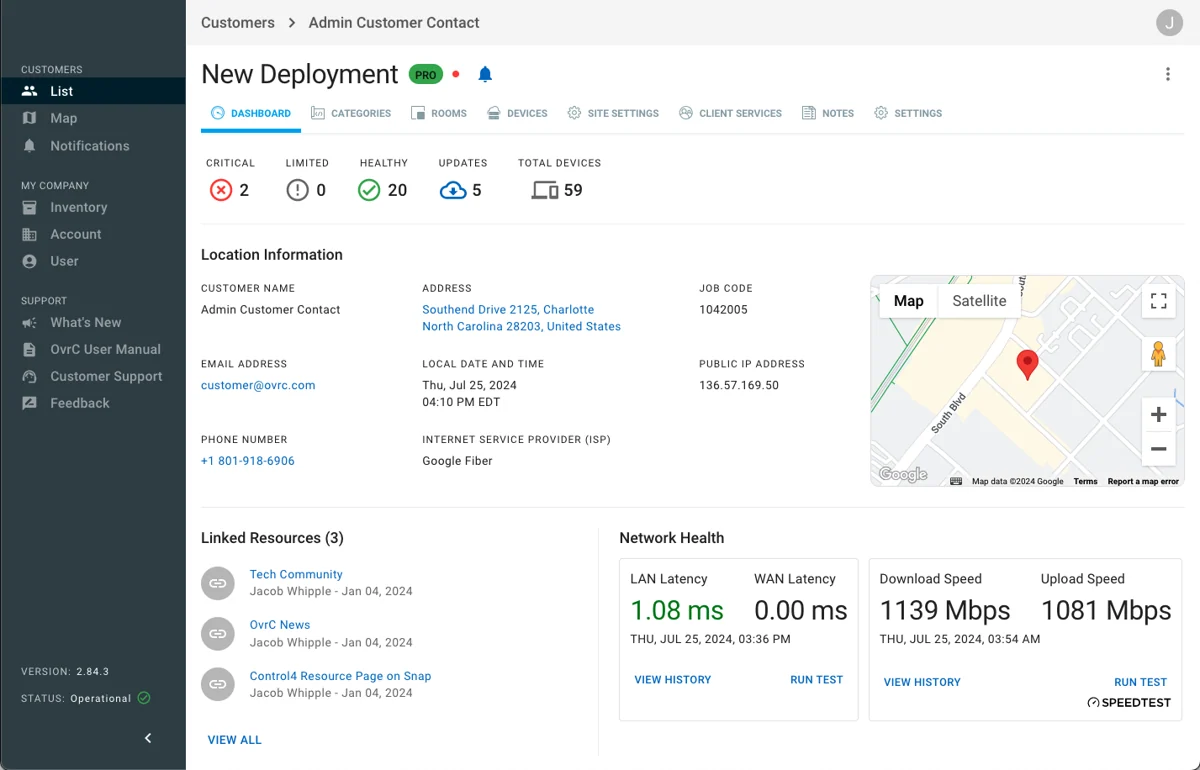
OvrC Pro Lifetime License + Gigabit Hub in Ireland
Want it fitted? We install and programme Control4 anywhere in Ireland: tick installation at checkout. Planning a whole house? Design your smart home.
About the OvrC Pro Lifetime License + Gigabit Hub
OvrC Pro Hub Installing this purpose-built appliance in your customer's system will extend visibility and enable remote access to all IP-connected devices on their local network while delivering all of the tools and features of the OvrC Pro platform. The OvrC Pro Hub is the perfection solution for deployments where an Araknis router, Pakedge router, or Control4 controller - all of which can also provide OvrC Pro functionality - are already running at high capacity, do not have full network access due to VLANs or their location within the network topology, lack internet access due to firewalls or VPNs, or are not included in that deployment. The OvrC Pro Hub provides a persistent, secured, and authenticated connection between the customer's local network and the OvrC servers - free of any fee, license, or subscription. This enables OvrC Pro's suite of cloud-based solutions that increase deployment efficiency, system reliability, and customer satisfaction. Deploy installations faster with single-page full-system configuration capabilities for surveillance systems and NVRs, media-over-IP AV distribution, and Wi-Fi management. Monitor effortlessly with automated network and internet health testing and reporting, and receive automatic alerts from preselected monitoring-enabled devices. Connect more freely with locally-connected functionality, such as access to a device-hosted user interface, a configuration webpage, SSH, or telnet sessions, regardless of your location. Troubleshoot more efficiently with a full suite of diagnostic and troubleshooting tools and solutions, including self-healing capabilities. When migrating a customer from the previous dealer-of-record’s OvrC account to your own account, the OvrC Pro Hub is highly recommended as the best technician tool for the job. Unlike all other network-connected devices, the OvrC Pro Hub can only be claimed to an account manually. It can be installed onsite and used to scan for and claim all the devices on the customer’s network without potentially being scanned and claimed itself by the customer’s existing OvrC Pro device. Step-by-step instructions for this process can be found in the Best Practices Guide for Migrating a Customer's Previously Claimed Devices to Your OvrC Account
Product information from OvrC. Price is the Control4 list price in euro.
More controller accessories